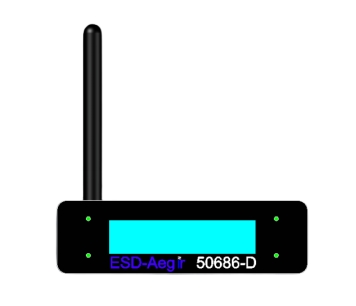
Manual of the device electrostatic grounding monitoring system
(V 1.1 )
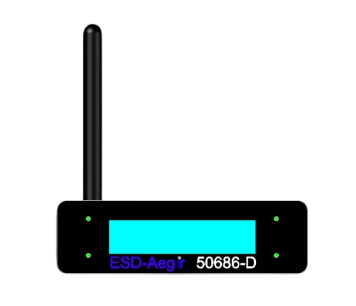
Model: 50686-D
Brand: AEGIR
Place of Origin: China
First, equipment product introduction
1.1 Product Description
According to section 6.1.3 of ESD-S1.1, the ESD wrist strap must be tested daily unless a real-time monitoring system is used. As described in 5.3.2.4.4 in the ESD manual TR20.20, the ESD wrist strap must be checked every day. If the device is sensitive to static electricity, the real-time grounding monitoring system must be used to ensure grounding reliability.
1.2 Device Features
■monitors whether the four devices are properly grounded and their resistance values exceed the standard.
■can wirelessly transmit grounding monitoring status and numerical data collection to PC for data storage, analysis and report output;
■uses the principle of electronic monitoring, the data accuracy is less than 2%, to ensure that the monitoring object is reliably grounded (in accordance with ANSI-ESD-S20.20-2014ESD standard);
■compact and light, flexible installation and expansion;
■ rewiring without device position adjustment;
■ has sound and light alarm warning function
1.3 Device Parameters:
|
Specification Model: |
50686-D |
|
Power supply: |
Input DC5V/2A |
|
Device monitoring resistance |
1 to 200Ω The value is adjustable. The default value is 10Ω |
|
Operating environment: |
anti-static workshop, -10~45℃ |
|
Maximum power consumption: |
3W |
|
Indicator status: |
Normal - Green; Abnormal - red; Standby - Orange |
|
Volume: |
120(L)*90(W)*35(H)mm |
|
Weight: |
≈0.42kg |
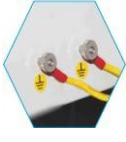
Second, Device interface introduction
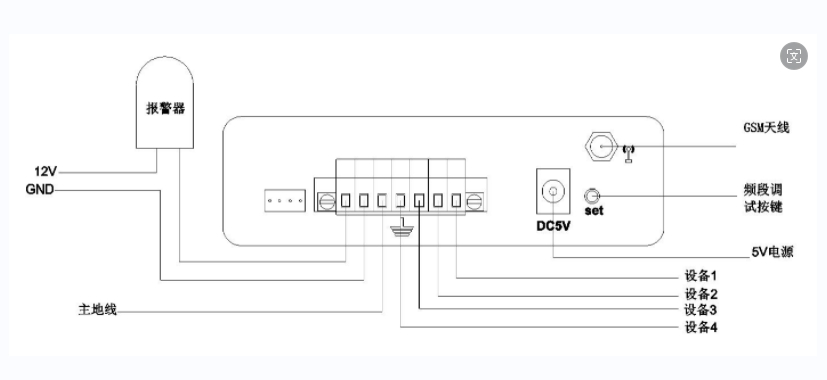
Third, Product Installation
Four, Aegir Monitoring Software (optional)
After Aegir monitoring software is adopted, the status of each channel can be displayed in real time in the software. The networking mode is as follows:
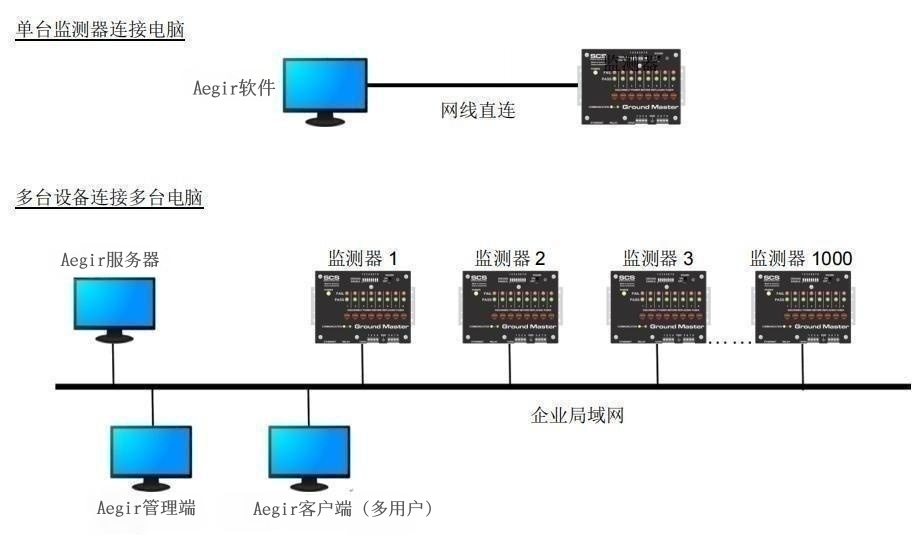
Aegir monitoring software is a server/client architecture. The server obtains real-time data of each monitor, Aegir administrator can assign multiple users, each user's client obtains data from the server, and the client displays the status of each monitor and generates reports.